
Understanding how to program, use, and troubleshoot any issues with your key fob will get you back on the road quickly. At Fort Myers Mitsubishi, we want you to make the most of your drive, so read on to learn more about what to do when your Mitsubishi key fob is not working.
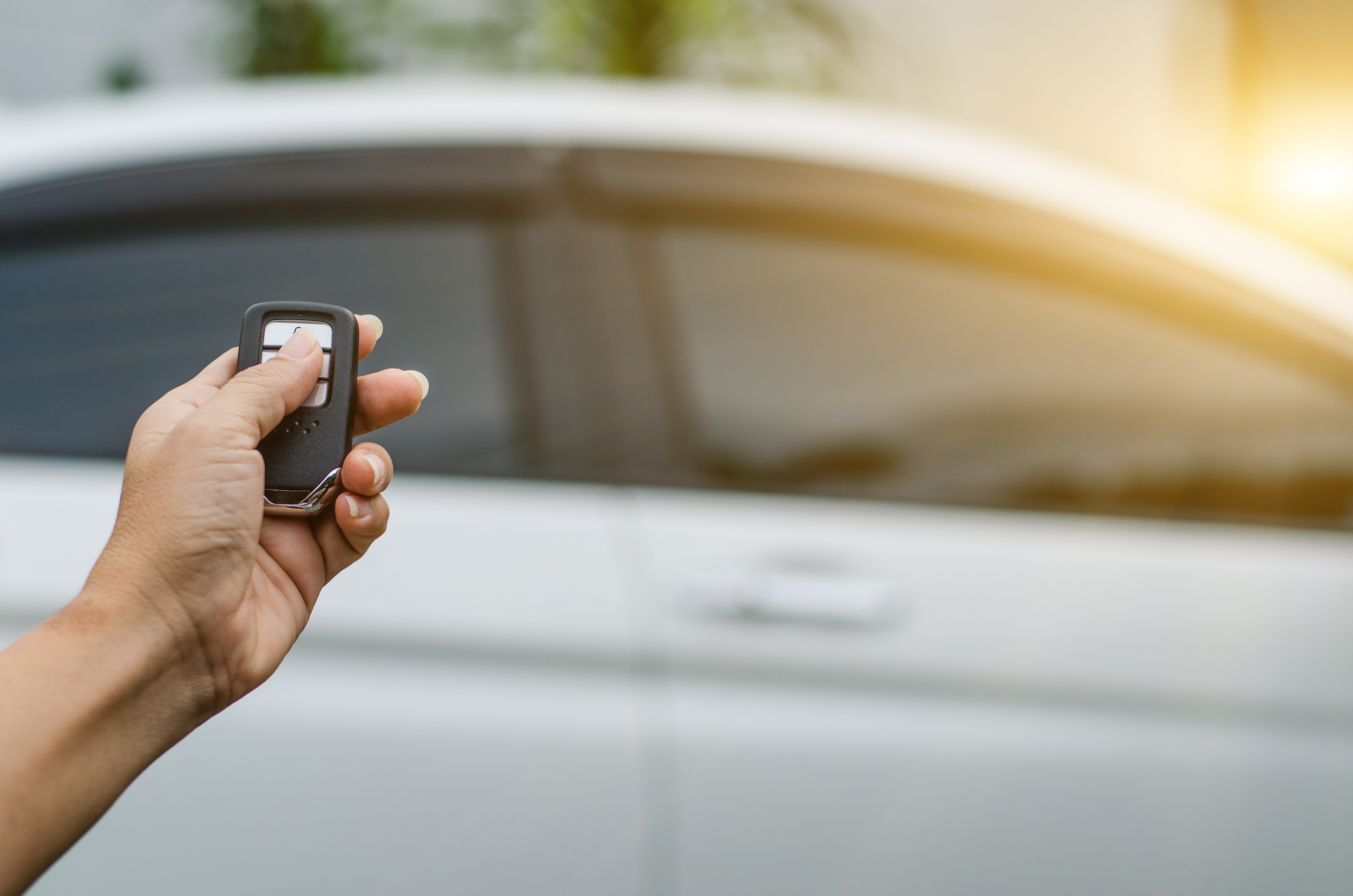
Your keyless remote is the central piece to your Mitsubishi's comfort and convenience. With this small device, you can control keyless entry, remote start, and cargo access functions. It allows drivers to quickly and efficiently access their vehicle with the touch of a button.
What Can You Do With Your Mitsubishi Keyless Remote System?
There are several convenience options associated with your keyless remote system. One unique feature is the Free-Hand Advanced Security Transmitter (FAST) Key Entry System. This system allows you to unlock your vehicle without physically using the key fob. Instead, you can simply grab a door handle or press an exterior button while carrying the key nearby.
This feature is especially useful when your hands are full or when entering the vehicle in low-light conditions. Once inside, Mitsubishi's One-Touch Start System (OSS) allows you to start your vehicle without inserting a traditional key.
Depending on your model, additional features may include remote opening and closing of the liftgate and remote climate preparation functions.
Programming Your New Keyless Remote
When you purchase your Mitsubishi, your keyless remote should already be programmed to your vehicle. However, if the connection is ever lost, you can often restore it yourself.
Follow these simple steps:
- Press and hold the Lock and Unlock buttons simultaneously until the vehicle lights flash three times.
- Release both buttons.
- Press the Unlock button until the lights flash twice.
- Test the key fob's functions to confirm proper operation.
If the vehicle responds correctly, your keyless remote should be synchronized again.
How To Change the Battery in Your Keyless Remote
If your keyless remote continues having issues after reprogramming, it may simply need a new battery. A weak battery can prevent communication between your key fob and vehicle.
To replace the battery:
- Obtain a replacement CR2032 battery and a flathead screwdriver.
- Remove the key attachment from the key fob.
- Locate the indentation near the top of the fob.
- Insert the screwdriver carefully into the notch and twist to open the housing.
- Remove the old battery.
- Install the new CR2032 battery.
- Snap the housing back together securely.
- Reinstall the physical key.
Once complete, test the key fob again to verify proper operation.
How To Find Replacement Fobs
If reprogramming and battery replacement do not resolve the problem, the key fob itself may need replacement. Fort Myers Mitsubishi can help diagnose key fob issues and provide genuine Mitsubishi replacement parts.
Our parts department can assist with obtaining the correct replacement key fob, and our technicians can help ensure it is properly programmed to your vehicle.
Fort Myers Mitsubishi Can Help You Program Your Keyless Remote
At Fort Myers Mitsubishi, we want to make sure that you can always access your vehicle's convenience and technology features. Whether you need help with programming, battery replacement, or a complete key fob replacement, our team is here to help.
If you have any questions about your Mitsubishi keyless remote system, contact Fort Myers Mitsubishi today. We look forward to helping you get the most out of your vehicle.